How to set a paper that reads perfectly.
Nothing here changes your exam — only how it is typed. Thirteen rules, each one a before-and-after. Photocopies, phone photos and crooked pages are all read comfortably, so none of this is about scan quality.
Numbering
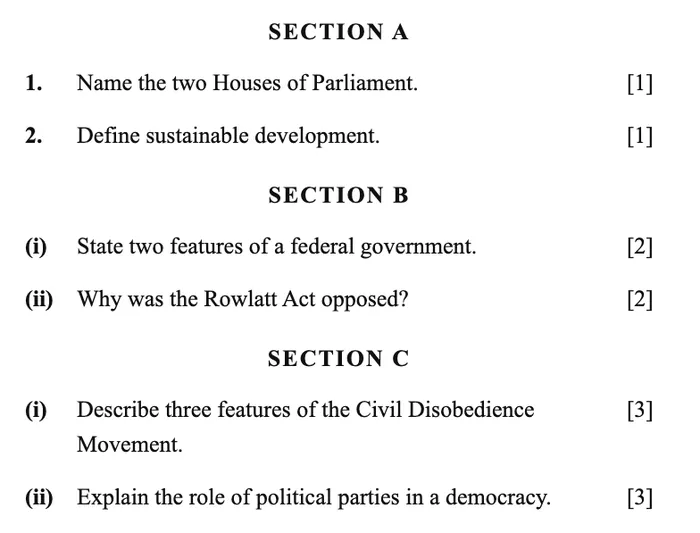
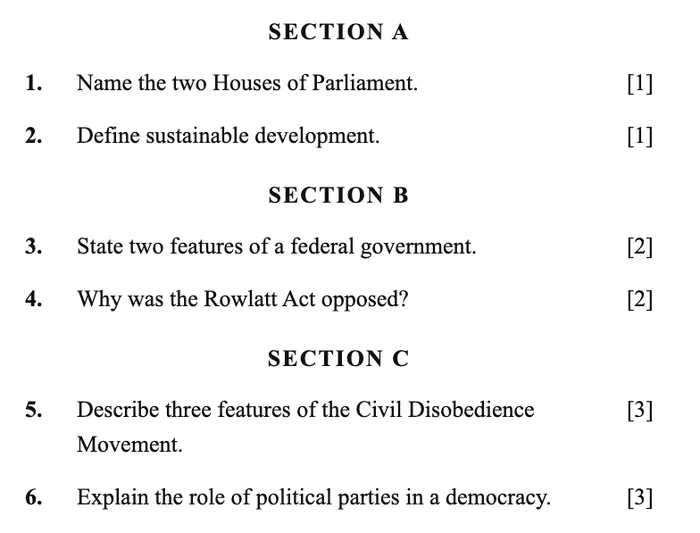
1Number straight through, 1 to N
One run gives every question a label of its own. Restarting at (i) in each section makes two questions share one.
2Number consecutively, with no gaps
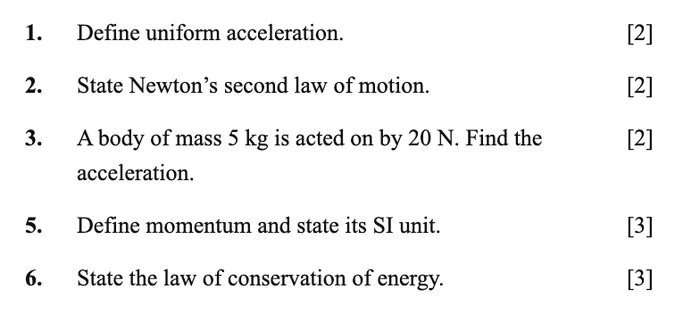
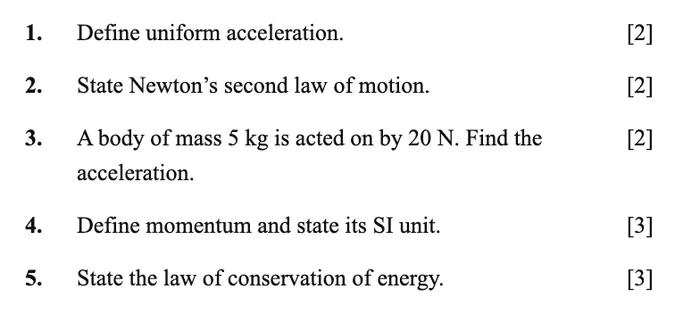
If a question goes during editing, renumber. A jump from 3 to 5 reads as a question that should be on the page.
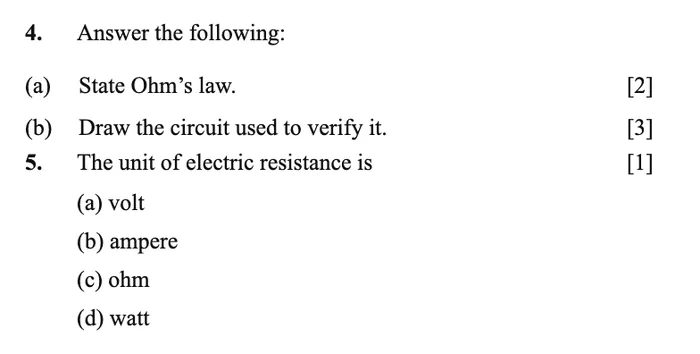
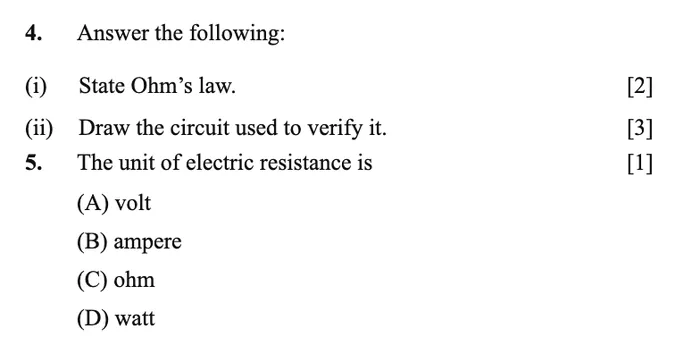
3One label family per level
Questions 1, 2, 3 → parts (i), (ii) → options (A) to (D). Using (a) to (d) for both parts and options makes the two hard to tell apart.
4Two levels of sub-part
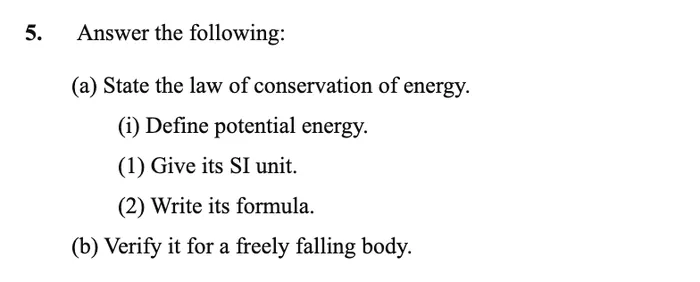
(a) then (i) keeps every part distinct. A third level below that reads as part of the line above.
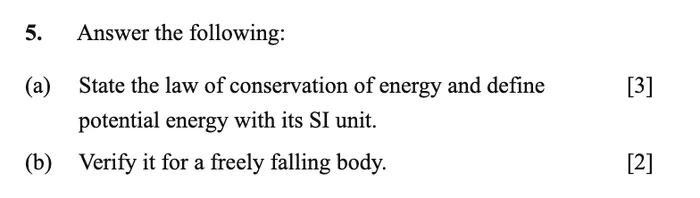
5Two asks → print (a) and (b)
Each half then carries its own mark, its own feedback and its own line in the student’s report.

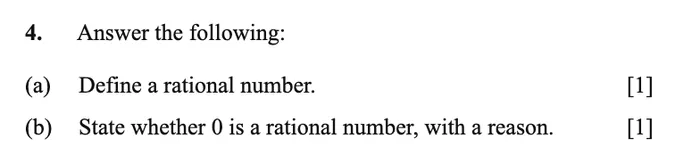
6One blank per part
Three blanks on a line are marked as one answer. Three parts are marked as three.

Marks
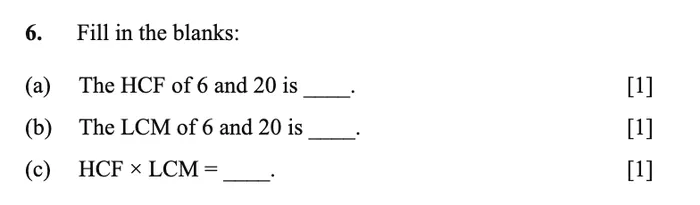
7Print the marks against every question
In the right margin, as [3]. One total for a whole section works only when every question in it is worth the same.
![A section headed SECTION B [14] with no marks against the four questions](/paper-format/marks-bad-m.webp)
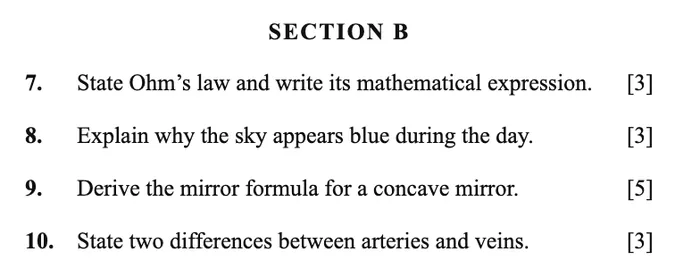
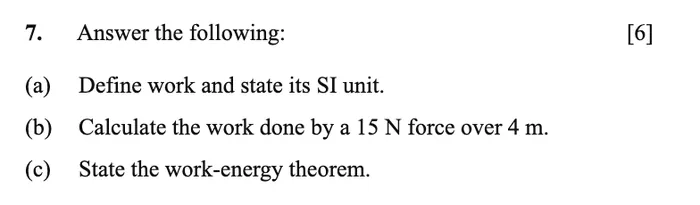
8Price each part, not just the question
A mark against every part is what lets each part be marked on its own. The question is then read as the sum.
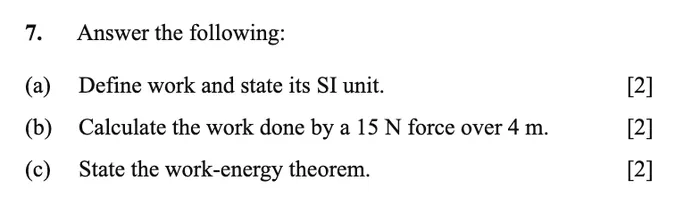
9CO and Bloom codes on the cover
Printed beside a question, a code travels into the question text and on into the marking scheme.

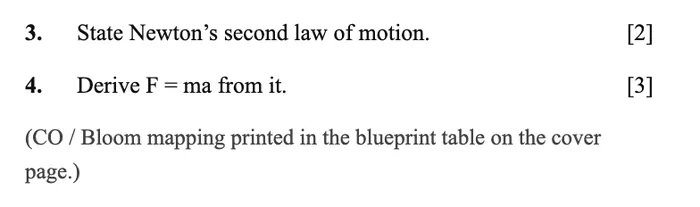
Layout
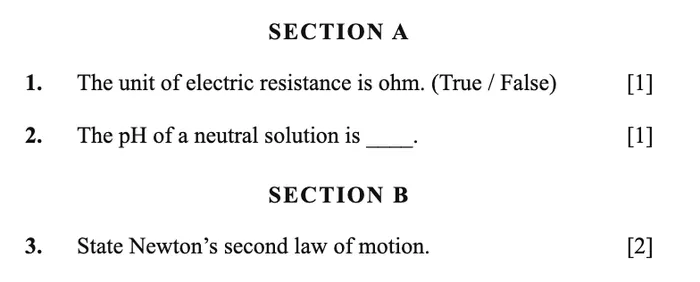
10Say SECTION or PART in the heading
The word is what marks a new section. A star or a bullet reads as an instruction line.
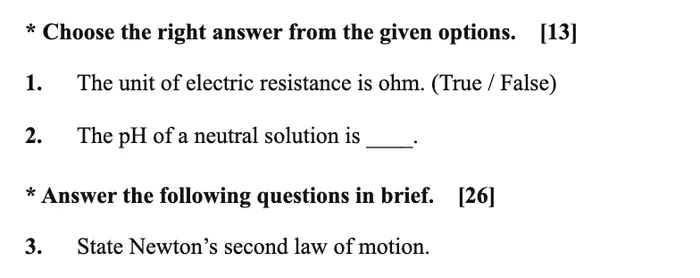
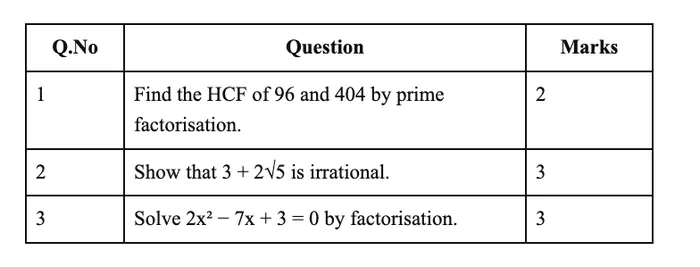
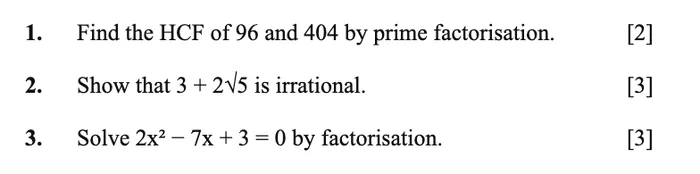
11Plain numbered lines, not a table grid
A cell border is a weaker cue than a numbered line, and a grid can be read in more than one order.
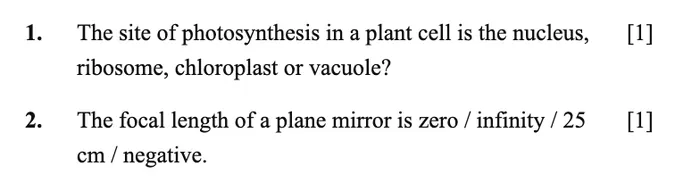
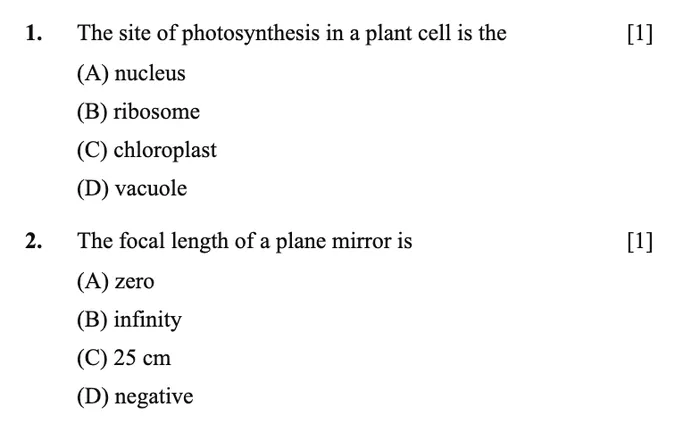
12MCQ options on their own lines
Set out as (A) to (D) they are read as an option set — which is what makes a one-letter answer markable.
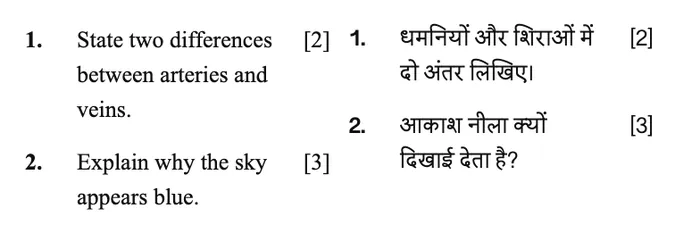
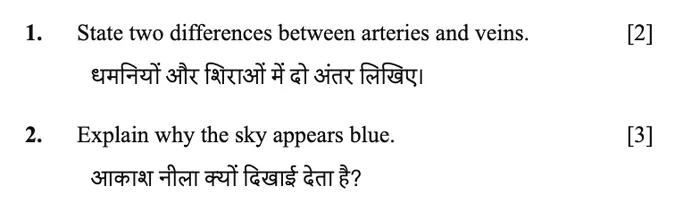
13Bilingual papers: stack, don’t column
Each question followed by its translation keeps the pair together.
No need to fix any of this
- Faint photocopies with no digital text in them
- Phone photos — shadows, a thumb at the edge, dim light, a slight angle
- Sideways pages, or a booklet scanned two to a sheet
- Watermarks, running headers, branding, decorative fonts, two columns
- Hindi in Devanagari, marks written as अंक
- Numbered general instructions on the cover
One framing rule: keep the whole page in shot. The marks live in the right margin.
Then one check
After upload, the screen shows the questions found and what they add up to. Compare that total to the one on your paper. Match means the paper was read exactly as you set it.
Send us a paper you have already marked.
Your paper, your students’ sheets, your marks to compare against. The first one is free.